There are three ways to apply for ETH2.0 test currency:
1. Website Application
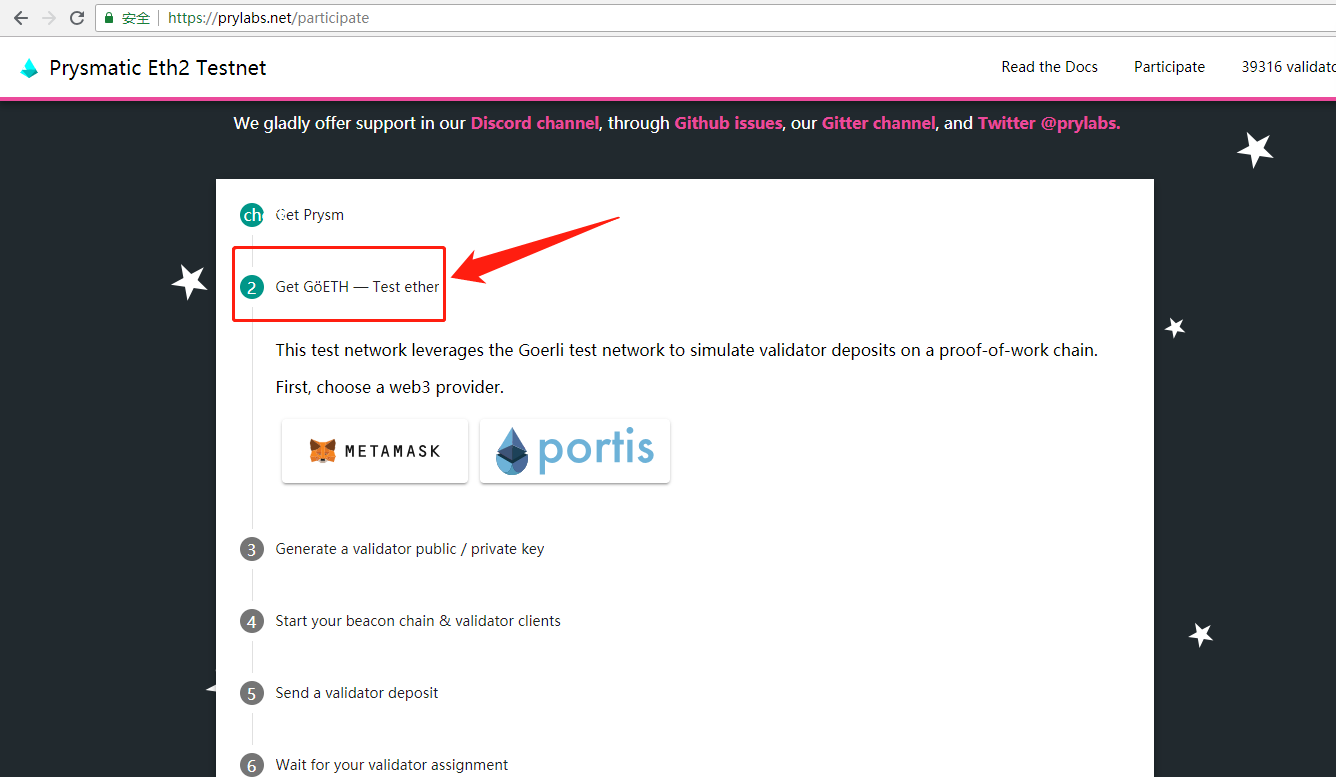
- Open https://prylabs.net/participateand click the second step “Get GöETH — Test ether”
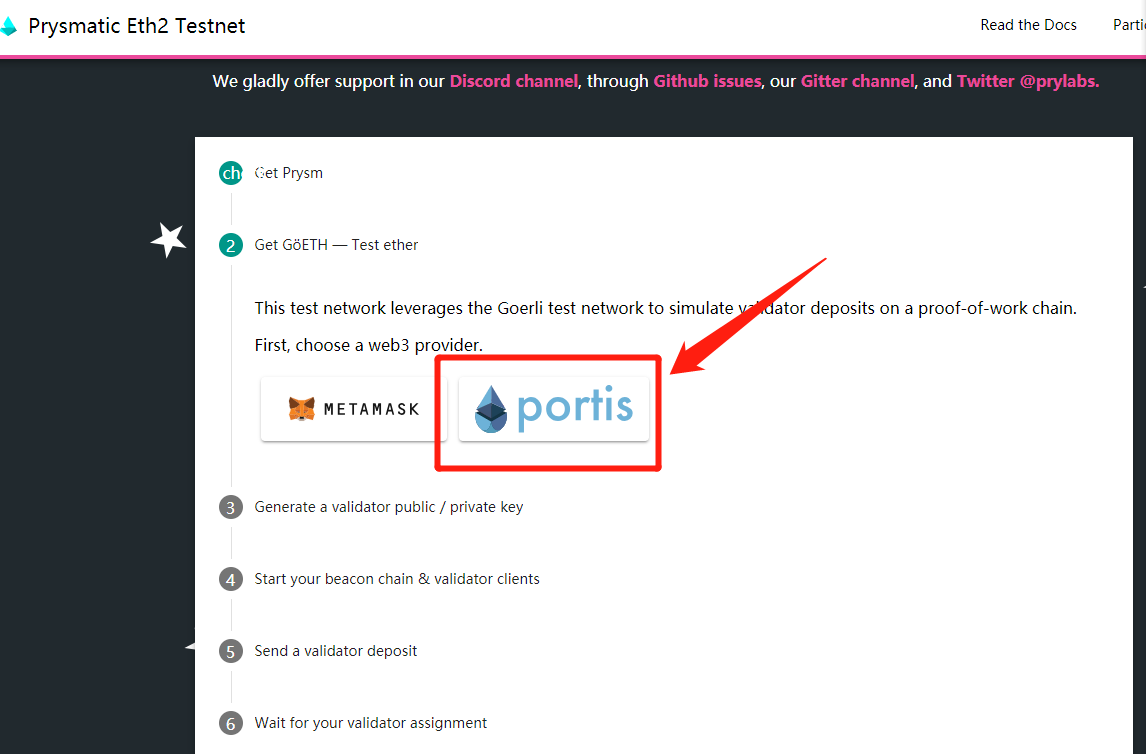
- Click Portis, and click “continue”in the pop-up window in the upper right corner and follow the prompts to apply for an account (you must fill in your email and set a password)
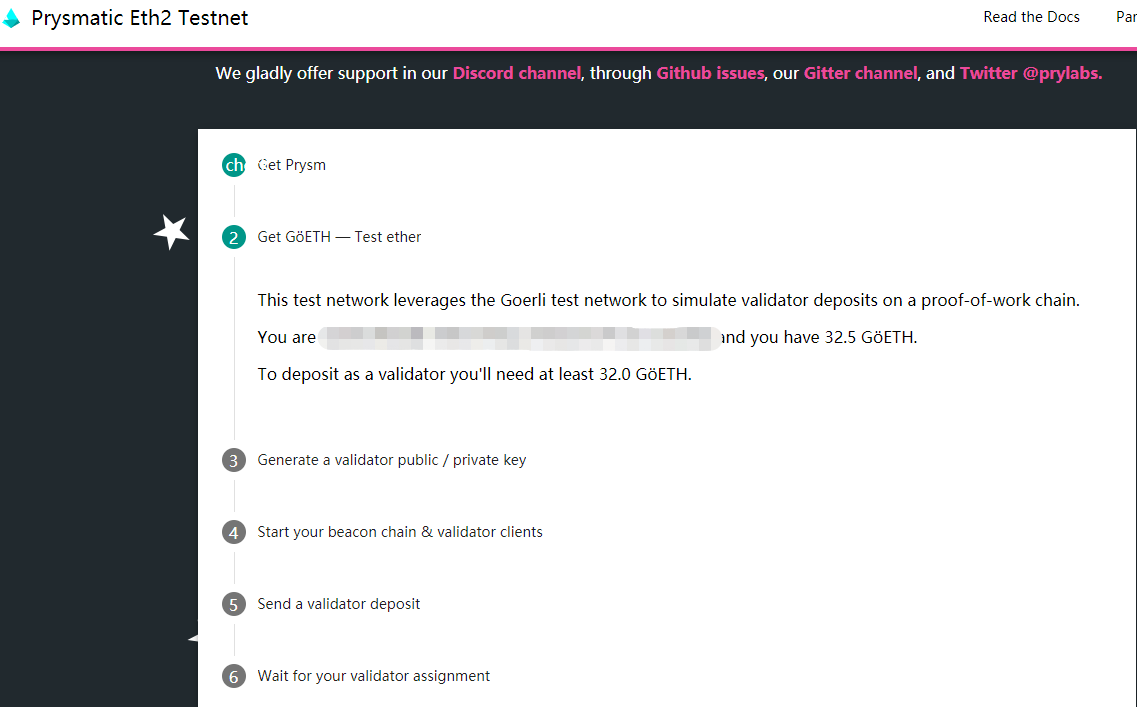
- After the account application is submitted,the window of the test currency address and the number will pop up
2. Reserved Address Application
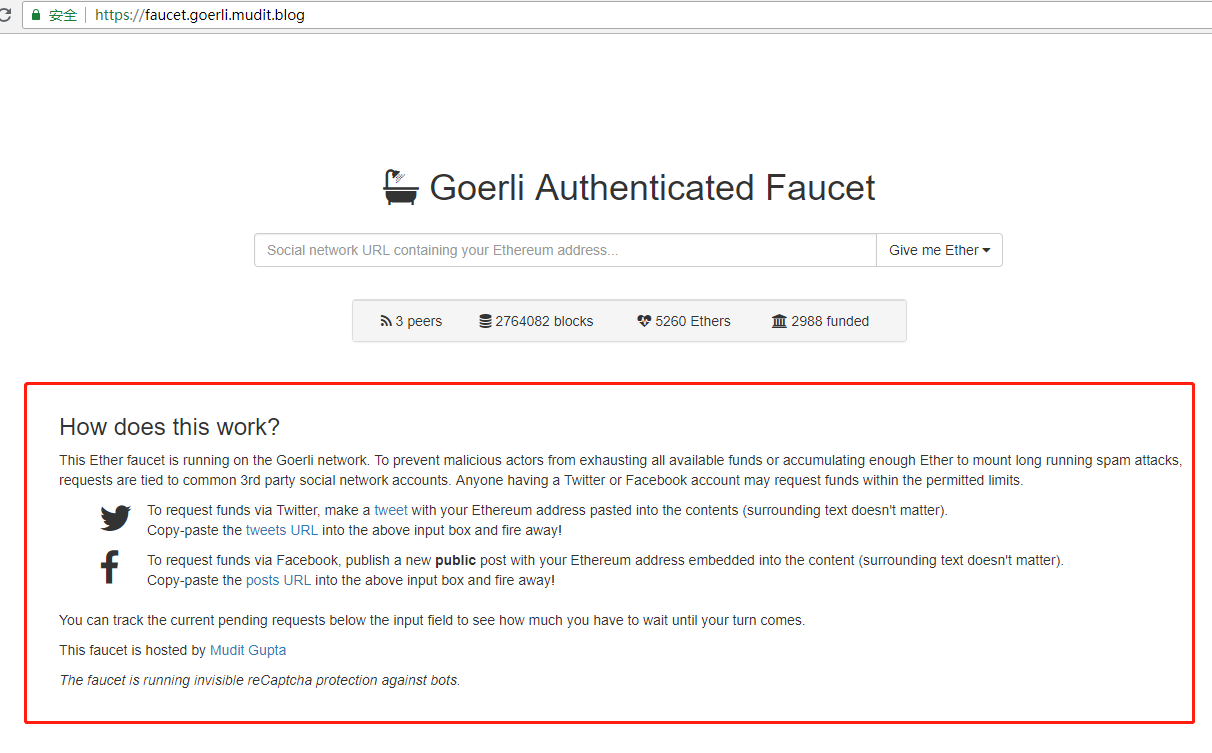
- Click https://faucet.goerli.mudit.blogto enter Goerli Authenticated Faucet
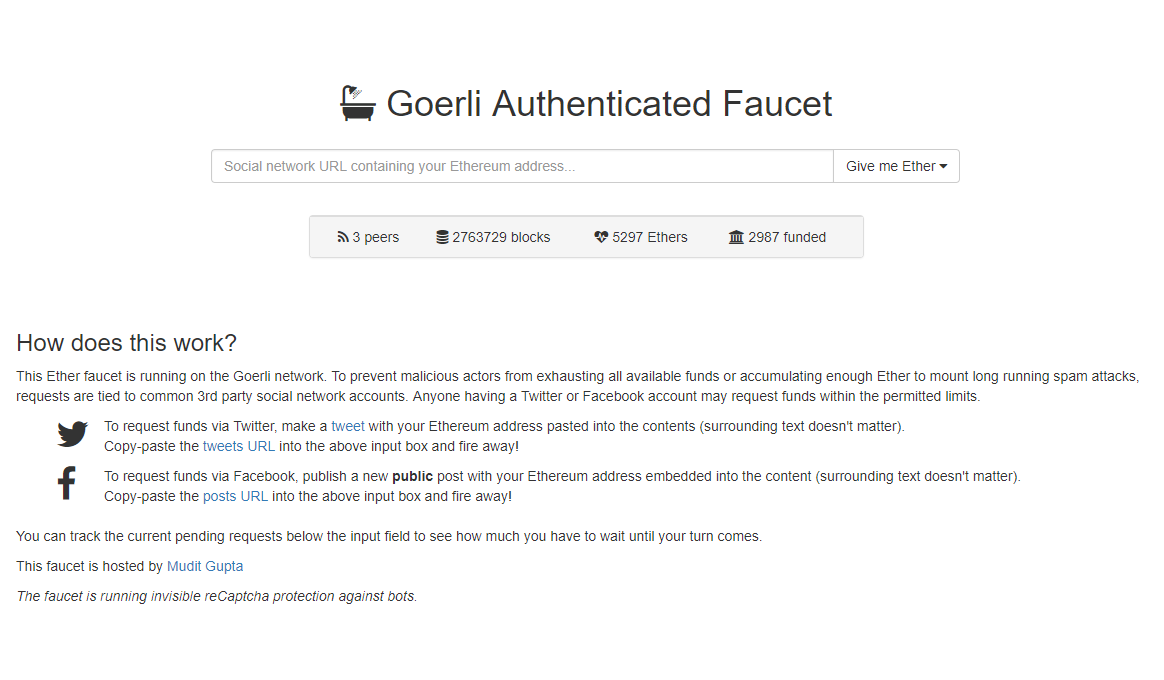
- Please read the following rules carefully and post a tweet on your Twitter or Facebook. Note: Remember to post your Ethereum address in the tweet
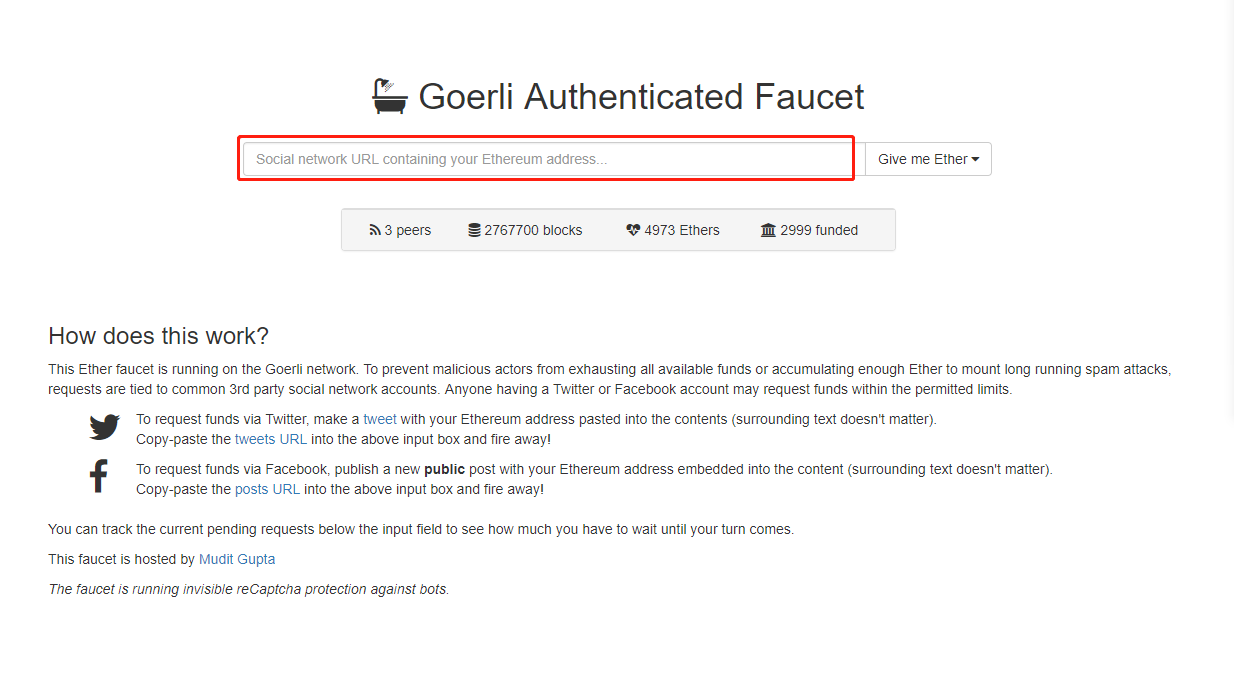
- Enter the UCL of the tweet you just post, click “Give Me Ether”and select the quantity
- Forum Application
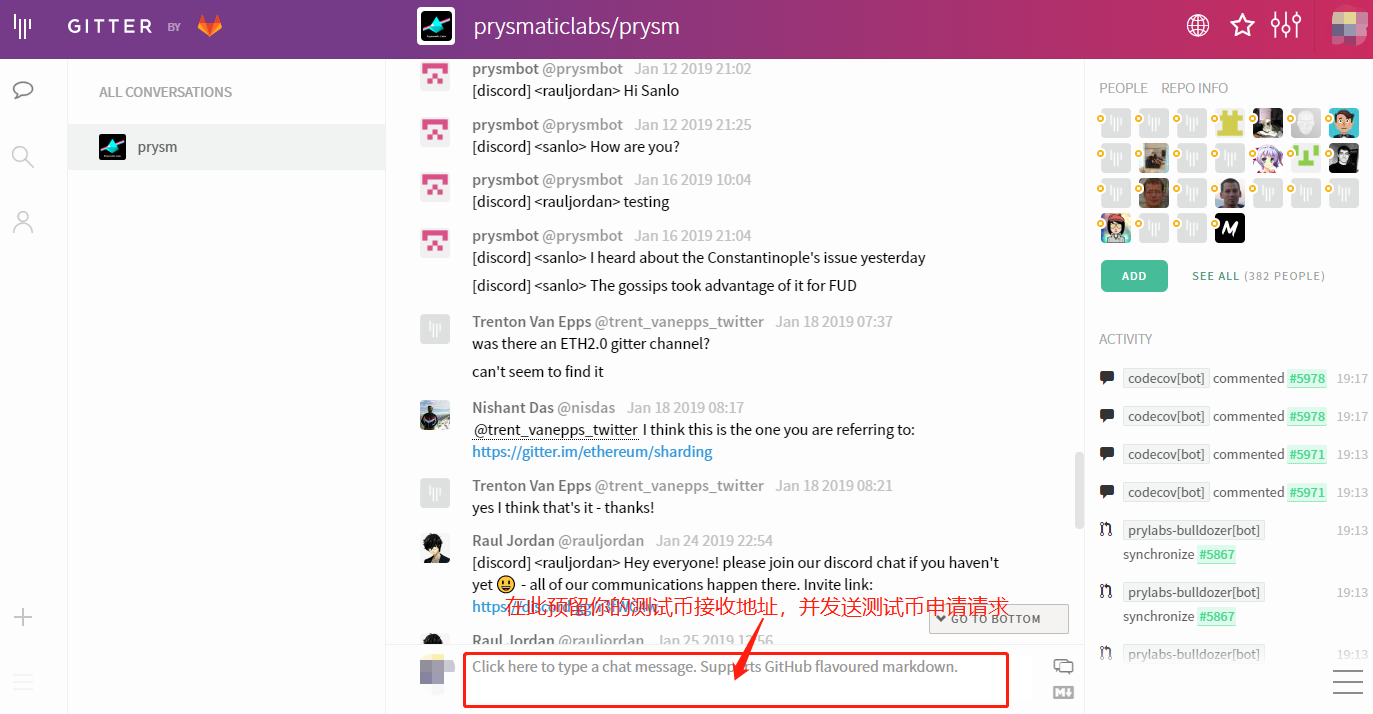
- Open https://gitter.im/prysmaticlabs/prysmto enter Gitter, and click JOIN ROOM
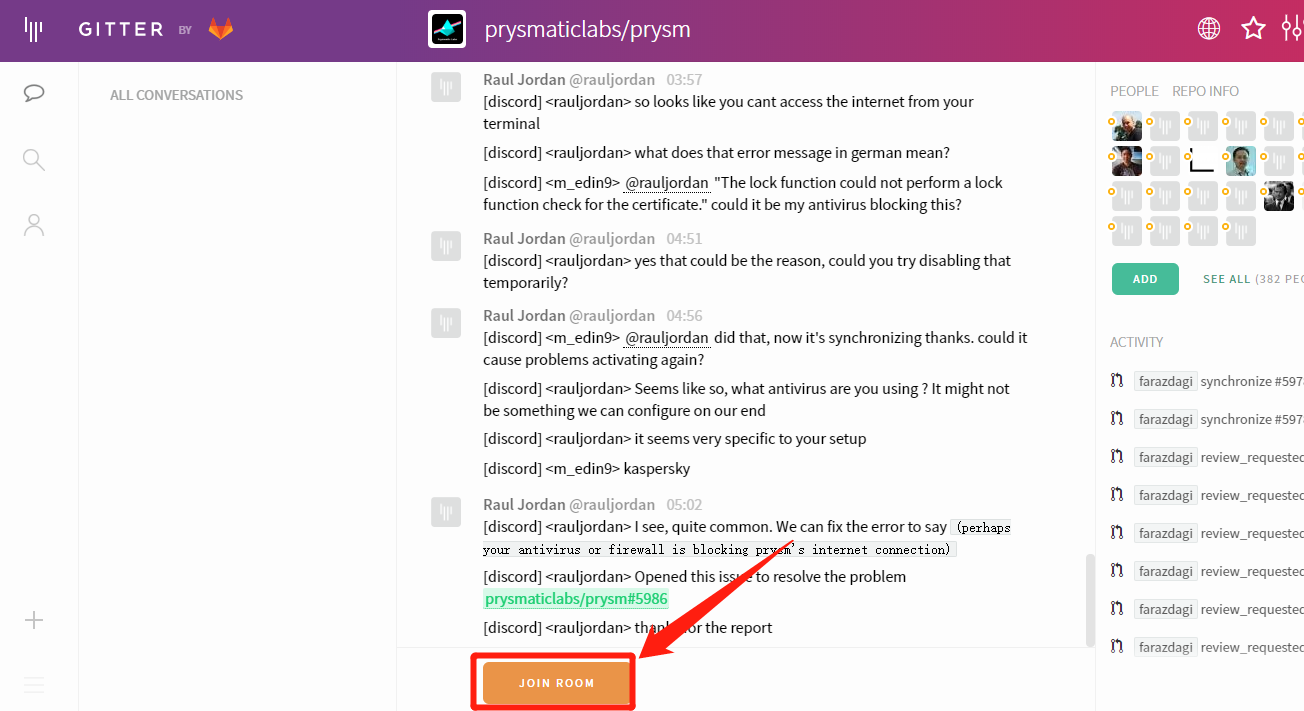
- Send a message to the website containing your ETH2.0 receiving address and test currency application request